
Short Answer
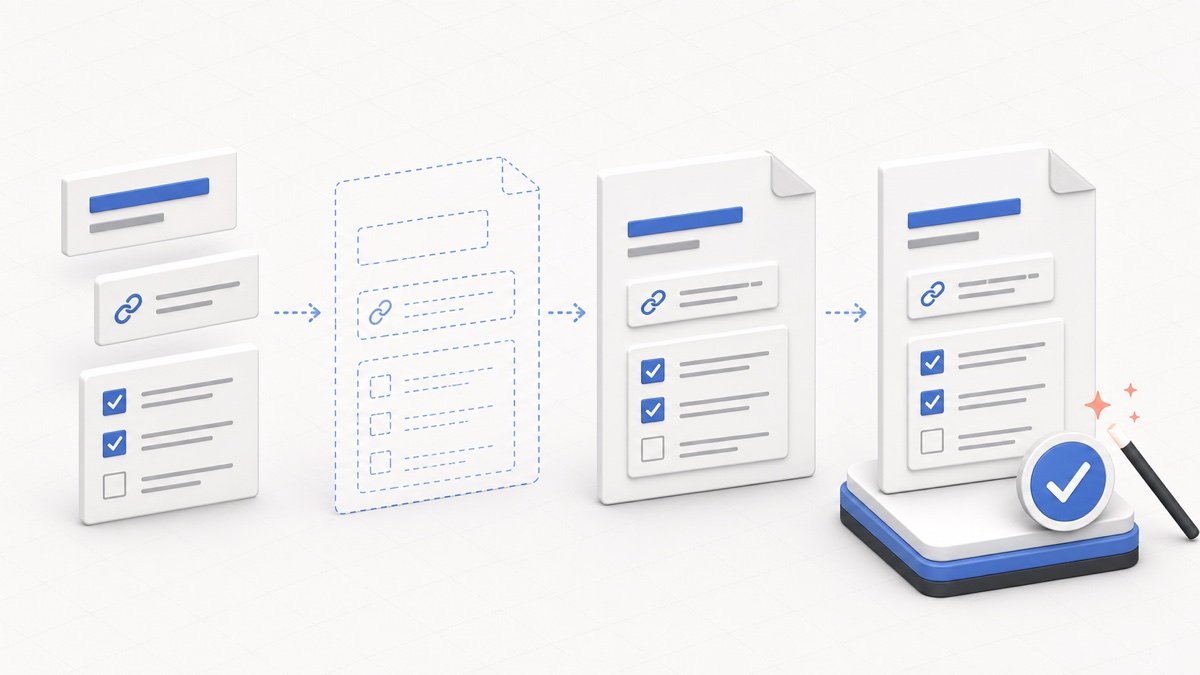
To create an llms.txt file, make a Markdown file named llms.txt, add your website name, write a short summary, group your most important URLs into sections, validate the structure, and upload the file to your website root.
The fastest way is to start with the free llms.txt generator, then review the output manually before publishing.
Step 1: Decide the Purpose of the File
Before adding links, decide what you want an AI agent to understand. A SaaS site might prioritize product docs, pricing and API pages. A blog might prioritize pillar guides. An ecommerce site might include category explanations, buying guides, shipping policies and support pages.
This step matters because a useful llms.txt file is curated. It should guide the AI toward your best pages, not overwhelm it with every archive, tag, search or login URL.
Step 2: Choose the Most Important Pages
Open your sitemap, navigation menu and analytics data, then choose pages that explain your site clearly. Include pages that answer user questions, describe your products, document your API or explain your policies.
- Getting-started and documentation pages.
- API reference, SDK docs and developer guides.
- Product, pricing, comparison and feature pages.
- Support, contact, terms, privacy and policy pages when useful.
- High-quality tutorials that explain your subject in depth.
Avoid: login pages, cart pages, internal search results, duplicate category pages, thin tag archives and outdated URLs.
Step 3: Write the Basic Markdown Structure
Start with one H1 heading for your project or website name. Add a concise summary, then create H2 sections for the main groups of content. The file should be easy to scan even without a special parser.
Example: # Example Site, then > Example Site helps teams manage API documentation., then ## Documentation, then links such as - [Getting Started](https://example.com/docs): Setup guide for new users.
Good section names include Documentation, API Reference, Product, Support, Policies, Tutorials and Optional. The Optional section is designated for secondary or supplementary resources (like policies, contact links, or licenses) to keep primary documentation focused.
Step 4: Add Helpful Link Descriptions
A bare link is better than nothing, but a link with a short description is much more useful. Descriptions help an AI agent decide whether the page is worth opening for a particular question.
- Weak:
- [Docs](https://example.com/docs) - Better:
- [Documentation](https://example.com/docs): Setup, configuration and usage guides for Example Site.
Step 5: Use the Free llms.txt Generator
If you do not want to write the file by hand, use the free llms.txt generator tool. It can import from a website URL, XML sitemap, URL list, existing file or manual builder.
After importing URLs, remove low-value pages, organize the remaining links into sections, add descriptions and preview the final Markdown before downloading.
Step 6: Validate Before Publishing
Before uploading the file, run it through the free llms.txt Validator. Validation helps catch missing headings, malformed Markdown, duplicate URLs, empty sections and confusing link structures.
Do not treat validation as the final editorial review. A file can be technically valid but still contain weak descriptions, outdated pages or too many low-priority links.
Step 7: Upload It to Your Site Root
Save the file as llms.txt and upload it so it is available at https://yourdomain.com/llms.txt. After publishing, open the URL in your browser and confirm it loads as plain text.
If you use WordPress, Hostinger or cPanel, read the WordPress and Hostinger upload tutorial for platform-specific steps.